Widget & Website Integration
The Widget & Website Integration feature allows you to embed the iCalls video call widget on your website using a simple JavaScript snippet. Once installed, visitors can start a secure HD video call in under 5 seconds — with no downloads or plugins required.
Widget Overview
The iCalls widget connects your website directly to your support team using a lightweight embed script.
How Integration Works
- Widgets are created inside the Admin Dashboard
- Each widget generates a unique embed script
- The script connects your website to iCalls servers
- Calls are routed to your agents or AI agents automatically
📌 Each widget is linked to a specific organization and configuration.
Generate Widget Script
Steps to Generate the Embed Code
- Go to Admin Dashboard → Widget Generator
- Click Create New Widget
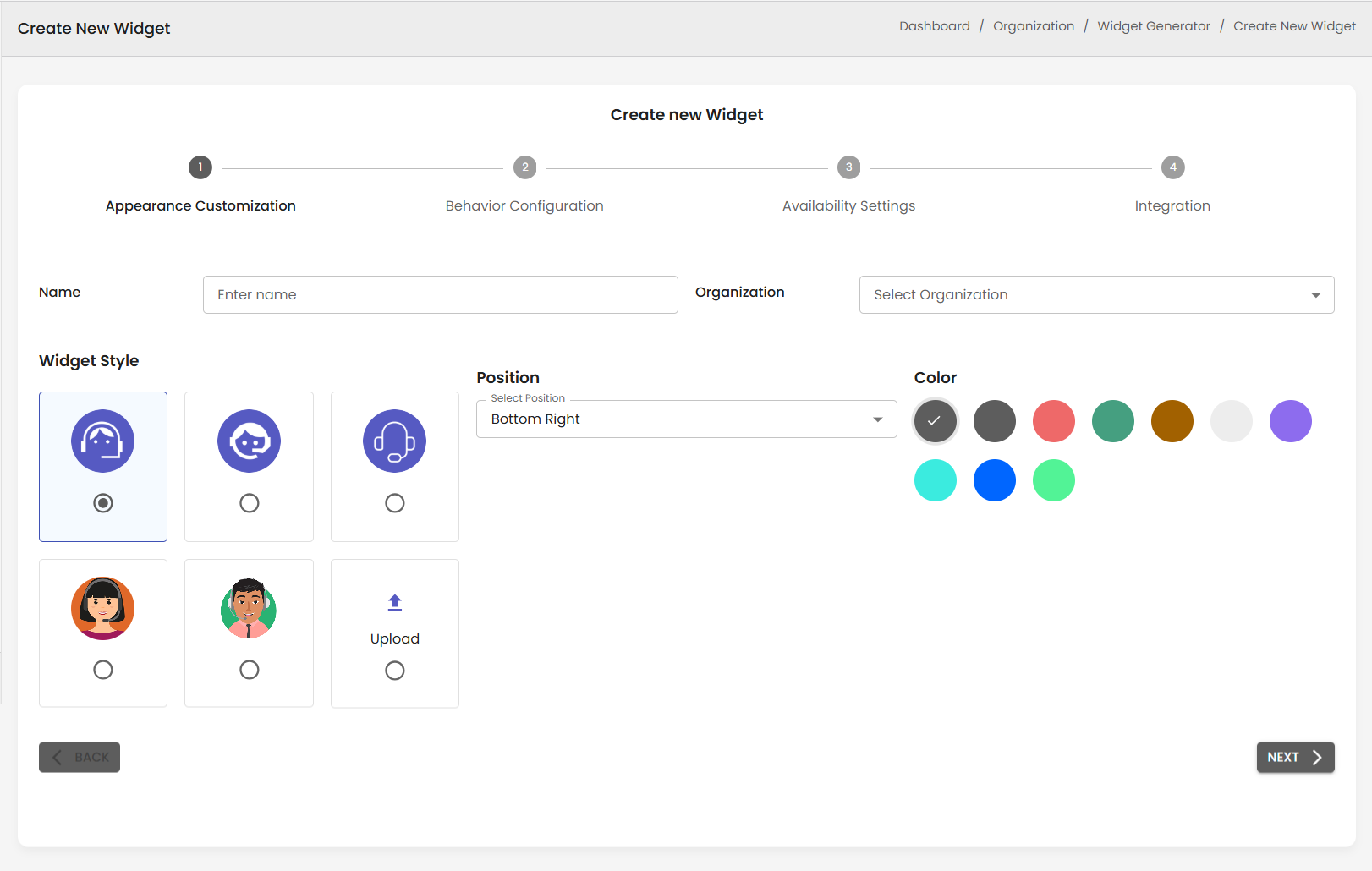
- Complete all configuration steps:
- Appearance Customization
- Behavior Configuration
- Availability Settings
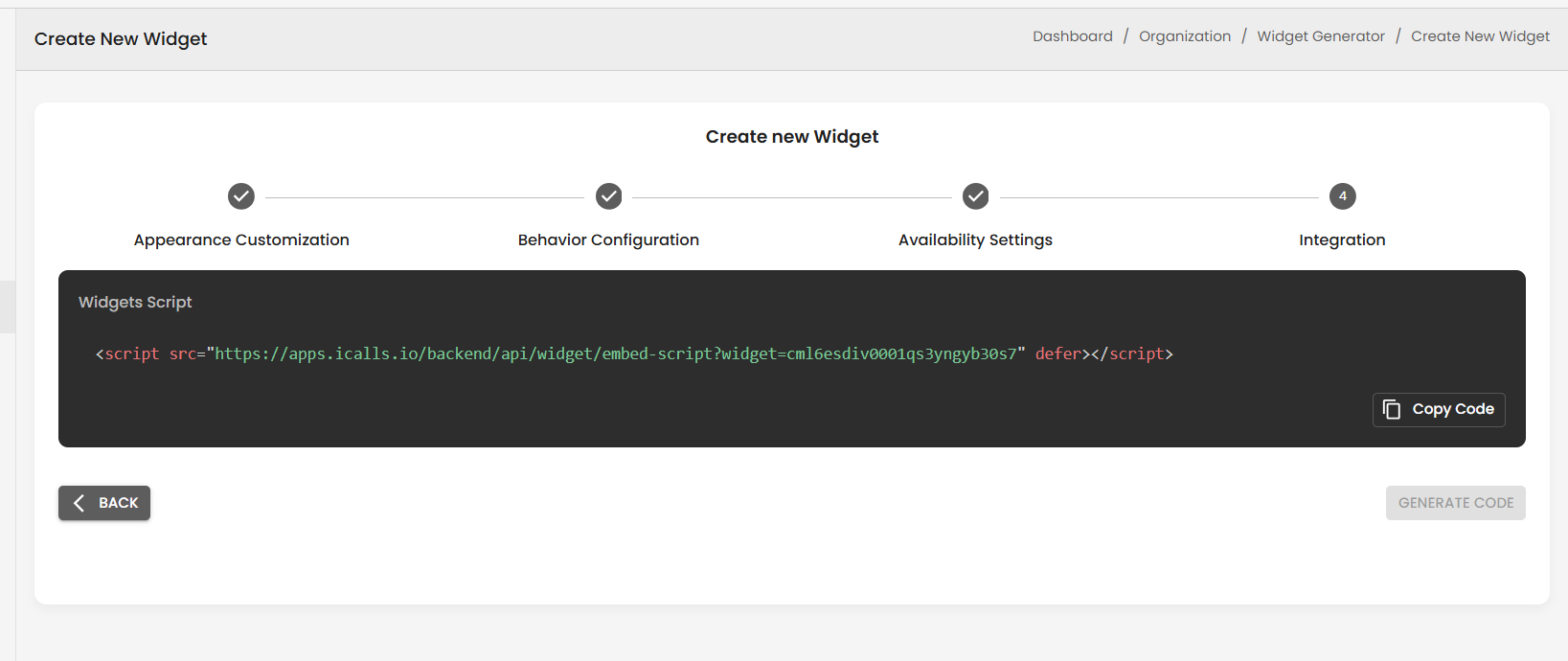
- Navigate to Step 4 – Integration
- Click Generate Code
- Copy the generated script
Example Embed Script
<script
  src="https://apps.icalls.io/backend/api/widget/embed-script?widget=YOUR_WIDGET_ID"
  defer>
</script>
📌 Each widget has a unique widget ID. Do not reuse scripts across organizations.
How to Install the Widget on Your Website
Option 1: Add to HTML (Recommended)
Paste the script before the closing </body> tag:
</body>
<script src="https://apps.icalls.io/backend/api/widget/embed-script?widget=YOUR_WIDGET_ID" defer></script>
</html>
Option 2: CMS Platforms (WordPress, Webflow, Shopify)
- Open your site’s Custom Code / Header / Footer section
- Paste the script into:
- Footer section (preferred)
- Or global custom JavaScript area
📌 No additional configuration is required.
Widget Loading Behaviour
- Widget loads asynchronously (defer)
- Does not block page performance
- Automatically appears at the configured position
- Uses selected color, style, and avatar
Supported Website Types
Static HTML
React / Next.js / Vue
Salesforce
WordPress
Shopify
Webflow
Any CMS (Custom Scripts)
Browser & Device Compatibility
Modern Browsers
Chrome, Firefox, Edge, Safari
Desktop & Mobile
Works on desktop and mobile browsers
iOS & Android
Fully supported on iOS and Android devices
📌 Uses WebRTC for real-time video communication.
Security & Compliance
- End-to-end encrypted video calls
- Secure WebRTC connections
- GDPR-ready data handling
- No cookies required for widget loading
Domain Validation
- ✔ Ensures widget is used only on approved websites
- ✔ Prevents unauthorized embedding
📌 If the widget does not appear, verify the domain configuration.
Troubleshooting
Widget Not Showing?
- Check if the widget is enabled
- Confirm correct script placement
- Verify domain matches organization settings
- Clear browser cache and reload
Calls Not Connecting?
- Ensure agents are online
- Check business hours configuration
- Verify call queue is active
Best Practices
- ✔ Place script in footer
- ✔ Use one widget per website
- ✔ Test widget on staging before production
- ✔ Keep widget enabled during business hours
Integration Checklist
- Widget created
- Script generated
- Script installed on website
- Agents available
- Test call completed