Introduction
Welcome to iCalls Documentation
Welcome to iCalls — a secure, browser-based HD video calling platform designed for instant customer support, sales, and real-time assistance.
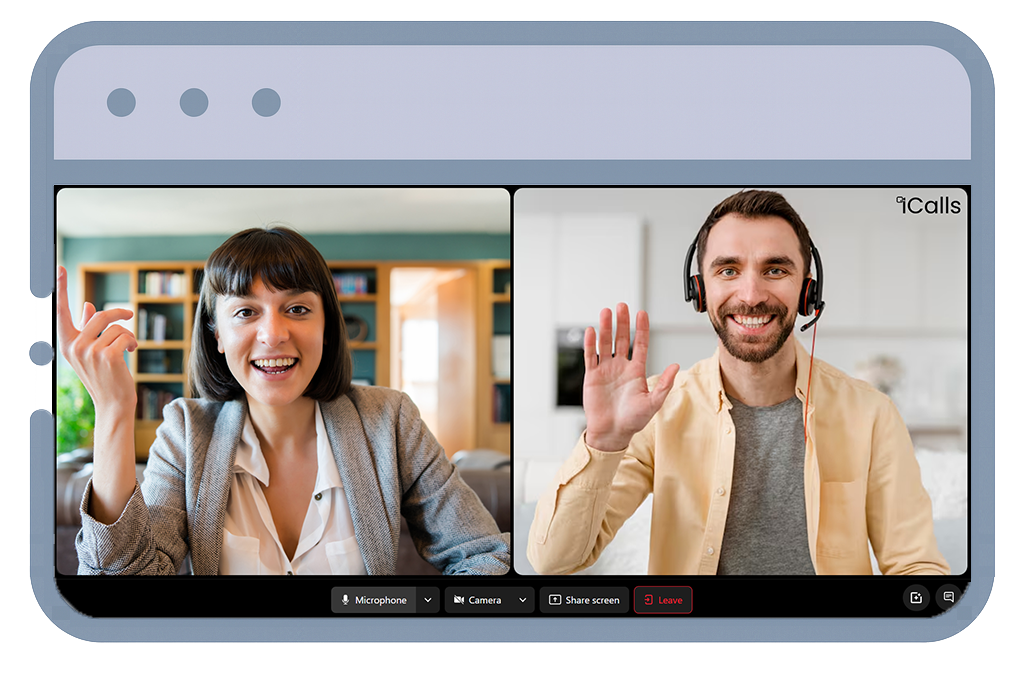
iCalls allows your customers to connect with a live human agent or AI agent in under 5 seconds, directly from your website — no downloads, no plugins, no friction.
This documentation will help you understand how iCalls works and guide you through setting up, managing, and scaling video support for your organization.


What is iCalls?
iCalls is a WebRTC-powered video calling solution that enables face-to-face communication between website visitors and support teams.
- Add a video call button to your website
- Route calls intelligently to available agents
- Manage agents, AI agents, and call queues
- Monitor real-time call activity
- Customize widgets to match your brand
- Ensure enterprise-grade security and compliance
Key Features
Core capabilities that power the iCalls real-time communication platform.
One-click HD Video Calling
Start high-definition video calls instantly with a single click—no downloads or setup required.
100% Browser-based (WebRTC)
Runs entirely in modern browsers using WebRTC technology—no plugins or external apps.
Human Agents & AI Agents
Route calls to live human agents or AI-powered agents based on availability and logic.
Smart Call Routing
Automatically assign calls using intelligent routing rules and real-time conditions.
Customizable Call Widgets
Embed and style call widgets to match your brand and website design.
Availability & Business Hours Control
Define working hours and control when calls are accepted or redirected.
Real-time Call Queue & Analytics
Monitor live call queues and gain insights with real-time analytics.
End-to-End Encrypted Calls
All calls are secured using industry-grade end-to-end encryption.
GDPR-ready & Secure by Design
Built with privacy-first architecture and compliance with GDPR standards.
Supported Platforms
iCalls works seamlessly across modern browsers, devices, and operating systems.
Browsers
- Google Chrome
- Microsoft Edge
- Mozilla Firefox
- Apple Safari
Devices
- Desktop
- Laptop
- Tablet
- Mobile
Operating Systems
- Windows
- macOS
- Linux
- Android
- iOS
Who Is This Documentation For?
This documentation is designed for:
Organization Admins
Client admins who manage agents, widgets, availability, and call queues.
Agents
Support or sales agents handling incoming calls.
Developers & Integrators
Teams embedding the iCalls widget into websites or applications.
How iCalls Works
A simple and secure flow from visitor interaction to call tracking.
Visitor Clicks iCalls Widget
A visitor clicks the iCalls video call widget embedded on your website.
Secure HD Video Call Initiated
A secure, high-definition video call is instantly initiated using WebRTC.
Smart Call Routing
The system automatically routes the call to:
- An available human agent, or
- An AI agent (if configured)
Agent Handles the Call
Agents receive and manage incoming calls directly from their dashboard.
Call Tracking & History
All calls are tracked in real time and stored in the call queue and call history.